Medical Devices, Quality & Testing, Regulation & Standards
How to Prevent Hydrogen Peroxide Plasma Sterilization Cycle Failures
Updated
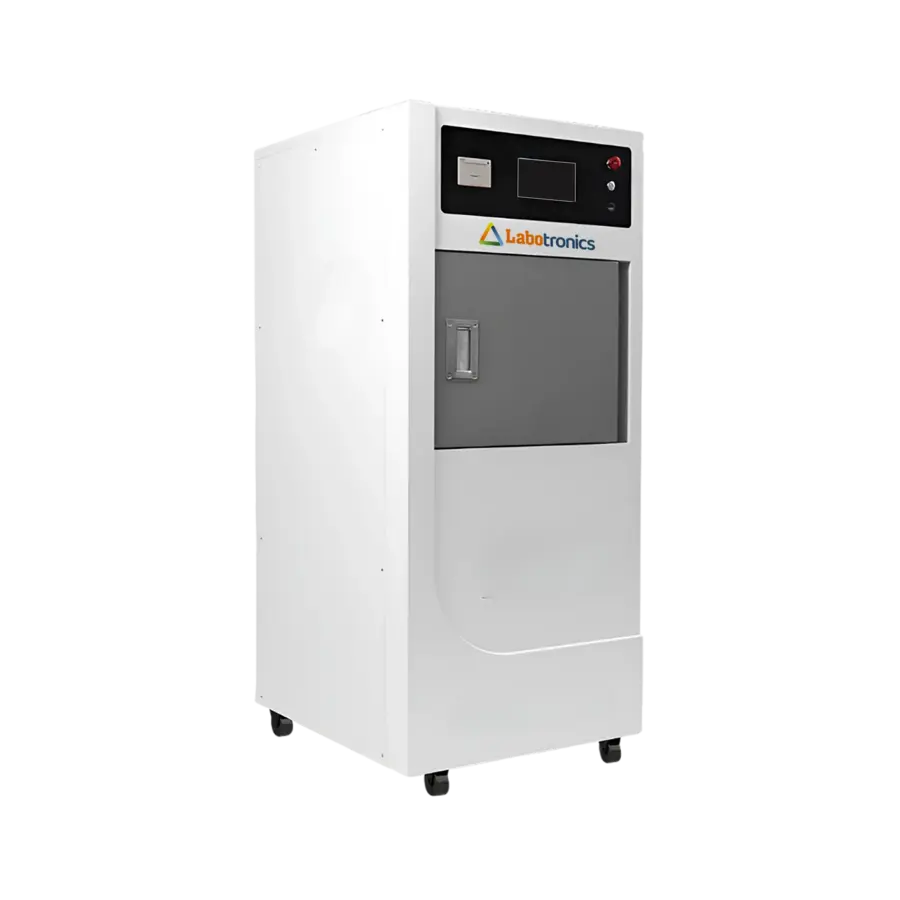
Hydrogen peroxide plasma sterilization cycle failures are often preventable. Most interruptions begin before the chamber door closes: residual water remains in a lumen, an incompatible material enters the load, a pouch is packed too tightly, or devices are arranged so vapor cannot reach every intended surface.
The practical objective is not simply to get a completed cycle. It is to run only loads that match the sterilizer’s cleared cycle, the device manufacturer’s instructions for use (IFU), and the facility’s validated work instructions. An aborted, cancelled, or failed cycle does not produce a sterile load. Segregate it, investigate the cause, and reprocess the affected items from the appropriate step.
First, distinguish a load problem from an equipment problem
A cycle interruption is a protective response. The sterilizer monitors conditions such as vacuum performance, pressure, peroxide concentration, temperature, and other cycle-specific parameters. If a parameter falls outside its acceptable range, the system may stop or reject the cycle rather than release an uncertain load.
Start with the cycle record and the exact alarm or error code. Do not rely on a general description such as “moisture failure” or “vacuum alarm.” The code, cycle phase, load contents, selected program, and operator actions establish the initial direction of the investigation.
| What you observe | First place to investigate | Typical corrective action |
|---|---|---|
| Failure occurs with one type of load | Device preparation, packaging, or compatibility | Review the load against both IFUs; correct drying, packaging, adapters, or cycle selection |
| Failures occur across unrelated loads | Sterilizer, utilities, consumables, or maintenance | Remove the unit from routine use as required by policy and arrange qualified evaluation |
| Failure follows a heavy or crowded load | Load size and placement | Reduce the load and use the approved rack, tray, and orientation |
| Failure is associated with lumened devices | Internal cleaning, drying, lumen limits, and accessories | Verify lumen dimensions, approved cycle, required adapter, and drying method |
| Empty or approved test loads also fail | Equipment condition | Follow the manufacturer troubleshooting procedure and contact authorized service as needed |
Do not repeatedly rerun the same failed load without changing the suspected cause. Repeated attempts can consume throughput while leaving the underlying process issue uncorrected.
Eliminate moisture before packaging
Residual moisture is a leading cause of hydrogen peroxide plasma sterilization cycle failures. Low-temperature hydrogen peroxide systems operate under vacuum and depend on controlled vapor conditions. Water left on an instrument, inside a channel, under an insulating cap, or trapped in a joint can interfere with vacuum formation and peroxide delivery. It may cause the cycle to abort before sterilization is complete.
Drying must be treated as a verified processing step, not a quick visual check.
Clean first, then dry every difficult area
Organic soil, detergent residue, salts, and retained rinse water create separate risks. Cleaning should follow the device IFU, including the specified brushes, flush volumes, cleaning agents, and channel treatment. A device cannot be made safe by sterilizing over retained soil.
After cleaning and rinsing:
- Open hinges, jaws, valves, removable parts, and other areas that retain water.
- Use the device manufacturer’s approved method for drying external surfaces and internal channels.
- Give lumens, ports, joints, and insulated assemblies focused attention. These areas can hold water that is not visible at the device exterior.
- Inspect for droplets, damp packaging surfaces, and water released when the device is moved or articulated.
- Avoid placing recently washed items directly into low-temperature sterilization because they feel dry on the outside.
For complex devices, make the drying method repeatable. Define the approved air source, connection method, drying time or endpoint, and inspection points in the work instruction. If a lumen requires a specific adapter or connection for drying, keep that accessory with the device set so it is not bypassed during busy periods.
Confirm that the device belongs in the cycle
Hydrogen peroxide plasma sterilization is intended for compatible heat- and moisture-sensitive devices, but compatibility is never assumed from material appearance. The device IFU and the sterilizer manufacturer’s instructions must agree on the method, cycle, load configuration, and any accessories required.
Keep absorbent materials out of the chamber
Cellulose and other highly absorbent materials are a major limitation. Items such as paper, cotton, gauze, towels, and many cellulose-based wraps can absorb hydrogen peroxide vapor. That can reduce available sterilant and contribute to a failed cycle or an unacceptable load.
This is why low-temperature hydrogen peroxide systems commonly require approved synthetic packaging rather than conventional paper-based wraps. Do not add gauze, cotton tip protectors, paper labels, towels, or absorbent padding merely to organize or protect a set unless the applicable instructions specifically permit them.
Liquids and powders are also generally unsuitable for this process. Remove them from the load unless their processing is explicitly covered by the relevant IFUs.
Treat lumens as a separate compatibility decision
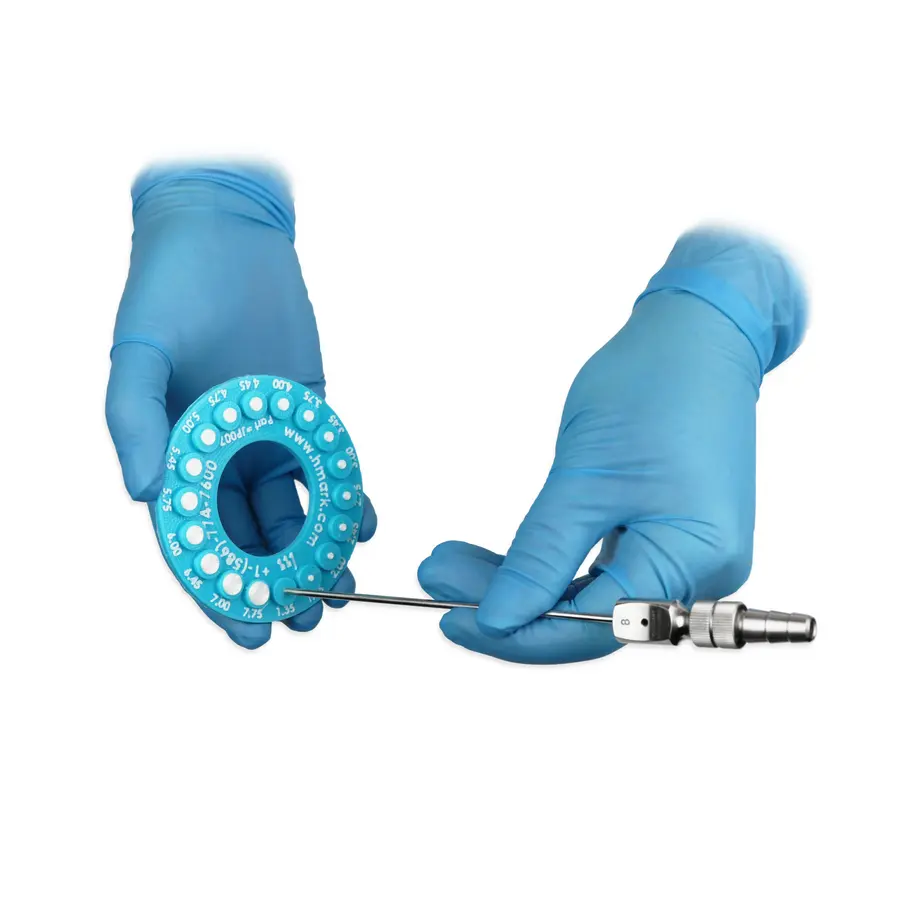
Long, narrow, branching, or dead-ended lumens are not interchangeable with solid instruments. Sterilizer clearances may specify limits for lumen internal diameter, length, material, number of channels, and the number of lumened devices allowed in a load. They may also require a particular cycle and an approved lumen adapter.
Before processing a lumened device, verify:
- The device IFU permits hydrogen peroxide plasma sterilization.
- The sterilizer IFU clears the device’s lumen geometry for the selected cycle.
- The correct lumen adapter, connector, or load accessory is available and intact.
- The channel has been cleaned and dried as instructed.
- The device is not mixed with incompatible accessories or packaging materials.
If any of these checks cannot be met, choose another validated reprocessing route. Do not use an improvised connector or assume that a similar-looking cycle is equivalent.
Package for vapor access, not just physical protection
Packaging has two jobs: it must maintain the sterile barrier after a successful cycle and allow the sterilant to reach the device during the cycle. A package can look neat and still restrict vapor movement if it is too small, too densely filled, or closed in a way that bends or compresses the contents.
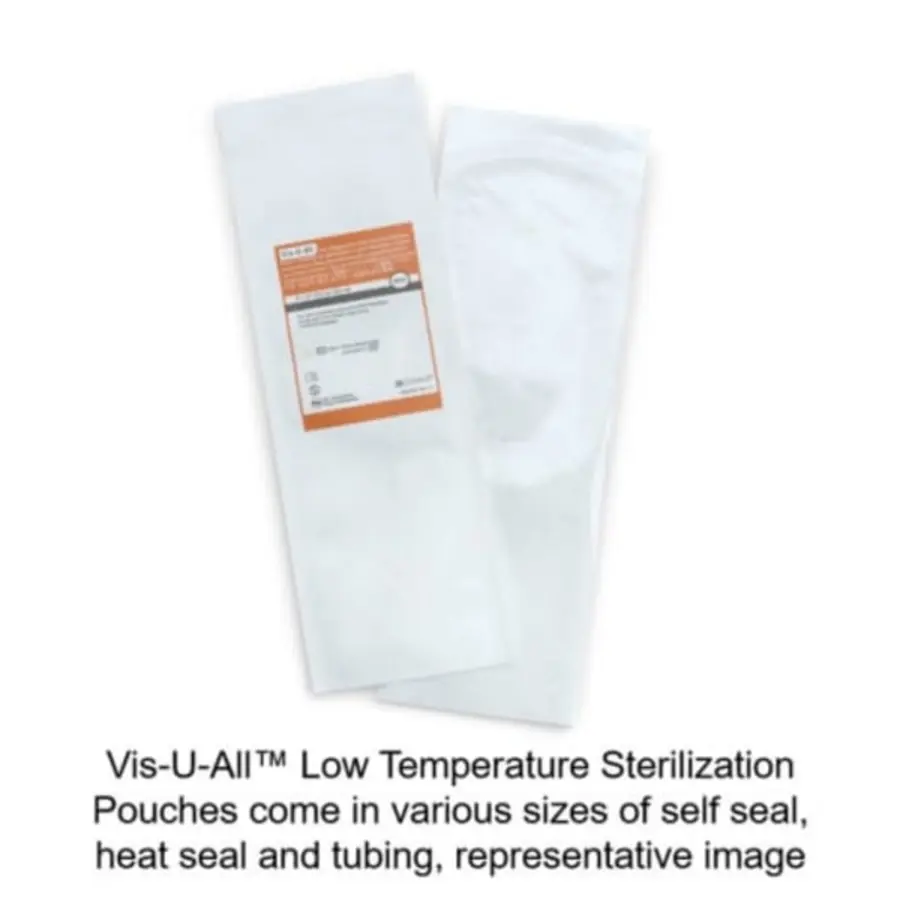
Use only pouches, wraps, trays, containers, filters, indicators, and seals cleared for the specific low-temperature sterilization system. Follow the manufacturers’ instructions for pouch size, sealing method, tray configuration, and maximum load weight.
Common packaging mistakes to remove from the process
- Selecting a pouch that barely fits the device, leaving no space around it.
- Folding a pouch or forcing a large device into a small package.
- Double-pouching or double-wrapping without instructions that permit the configuration.
- Adding paper documentation, gauze, foam, or unapproved protective materials inside the package.
- Leaving removable components assembled when the device IFU requires disassembly.
- Using damaged pouches, incomplete seals, wet packaging, or expired consumables.
- Using a container or tray designed for another sterilization modality without confirmation of compatibility.
Build a small, controlled list of approved packaging configurations for frequently processed sets. A visual work aid showing the correct pouch size, tray, adapter, and cycle can prevent variation at the assembly bench.
Load the chamber within its cleared configuration
Overloading does more than reduce convenience. It can block circulation paths, crowd packages, interfere with chamber components, and make it harder for the process to maintain intended conditions. The load must fit the sterilizer’s approved configuration, not simply fit inside the chamber.
Follow the sterilizer IFU for rack selection, shelf positions, maximum load quantities, orientation, and restrictions for trays, containers, pouches, and lumen devices. In plasma-equipped systems, keep all items clear of internal plasma coils or other protected chamber features where the manufacturer specifies exclusion zones.
Practical loading rules
- Leave space between packages and trays so they are not compressed together.
- Place trays and containers in the orientation specified by their manufacturer; do not stand them on edge unless that configuration is approved.
- Keep pouches flat or arrange them using the approved rack system rather than stacking them into dense bundles.
- Do not place a heavy tray on top of pouches or flexible packaging.
- Prevent tubing, cables, and devices from crossing into door seals, vents, sensors, or protected chamber components.
- Use the designated rack or basket for the selected cycle. A rack that fits physically may not be cleared for every cycle.
- Avoid combining unusual devices in one load simply to fill unused space.
When a failure follows a crowded load, reduce the load size before assuming an equipment defect. If a reduced, correctly configured load completes successfully, document the finding and revise the load-building instruction or staff training.
Choose the cycle from the IFUs, not from habit
Low-temperature sterilizers can offer multiple cycles with different load restrictions. Selecting a faster cycle because it is available, or using the cycle routinely chosen for another device family, can create preventable interruptions and nonconforming loads.
At point of assembly, verify the selected cycle against:
- The device manufacturer’s current IFU.
- The sterilizer manufacturer’s current IFU and cleared load list.
- The packaging and containment device instructions.
- The facility’s approved policy and tracking system requirements.
Cycle names may be similar across models but have different restrictions. Do not transfer cycle assumptions between sterilizer models, software versions, or facilities without confirming the documentation.
Manage consumables, records, and maintenance as process controls
Some recurring failures are not caused by a single load. Peroxide cassettes or cartridges, seals, filters, vacuum components, sensors, valves, and software-controlled functions all affect whether the sterilizer can achieve its required cycle conditions.
Before the first load of the day
Use the manufacturer’s prescribed operational checks. Confirm that the chamber is clean, the door seal and contact surfaces are undamaged, the correct consumable is installed, and no scheduled maintenance or unresolved alarm prevents use. Review any required test results before releasing routine loads.
Store sterilant consumables according to the manufacturer’s instructions. Use the correct product for the sterilizer model, check expiry status, and protect supplies from conditions that could affect their integrity. Do not substitute cassettes, cartridges, adapters, filters, or parts between systems unless the manufacturer explicitly approves that use.
Use trend data before interruptions become routine
Track cycle cancellations by error code, sterilizer, shift, load type, and device family. This separates isolated handling mistakes from repeatable process weaknesses. For example:
- Moisture-related alarms concentrated in one device set point to cleaning and drying practice.
- Failures after certain packages point to packaging or loading configuration.
- Similar vacuum or concentration alarms across different loads may indicate a maintenance issue.
Review trends with sterile processing leadership, infection prevention, biomedical engineering, and the sterilizer service provider as appropriate. Any repair, software change, relocation, or major maintenance action should be handled under the facility’s change-control and qualification procedures.
What to do after a cycle interrupts
Treat an interrupted cycle as incomplete. Do not release its contents for patient use, even if packages appear dry or indicators have changed. Follow facility policy and the sterilizer IFU for handling the load.
A disciplined response is usually faster than guessing:
- Record the cycle number, alarm or error code, selected cycle, load contents, operator, and time of interruption.
- Quarantine the load and prevent accidental release.
- Review the cycle printout or electronic record to identify the phase where the interruption occurred.
- Inspect the load for moisture, incompatible materials, crowding, incorrect packaging, and incorrect placement.
- Check the relevant device, packaging, and sterilizer IFUs before rebuilding the load.
- Correct the identified issue and reprocess from the appropriate point, including cleaning when required by policy or instructions.
- Escalate repeated alarms, unexplained failures, or failed required tests to qualified service personnel.
Cycle interruptions are useful evidence. A reliable prevention program uses that evidence to tighten drying controls, standardize package and load configurations, and identify equipment issues early. That reduces cancelled cycles without bypassing the limits that protect sterilization assurance.