Medical Devices, Design & Development, Regulation & Standards
Legacy Medical Device Cybersecurity Controls: Practical Compensating Measures
Updated
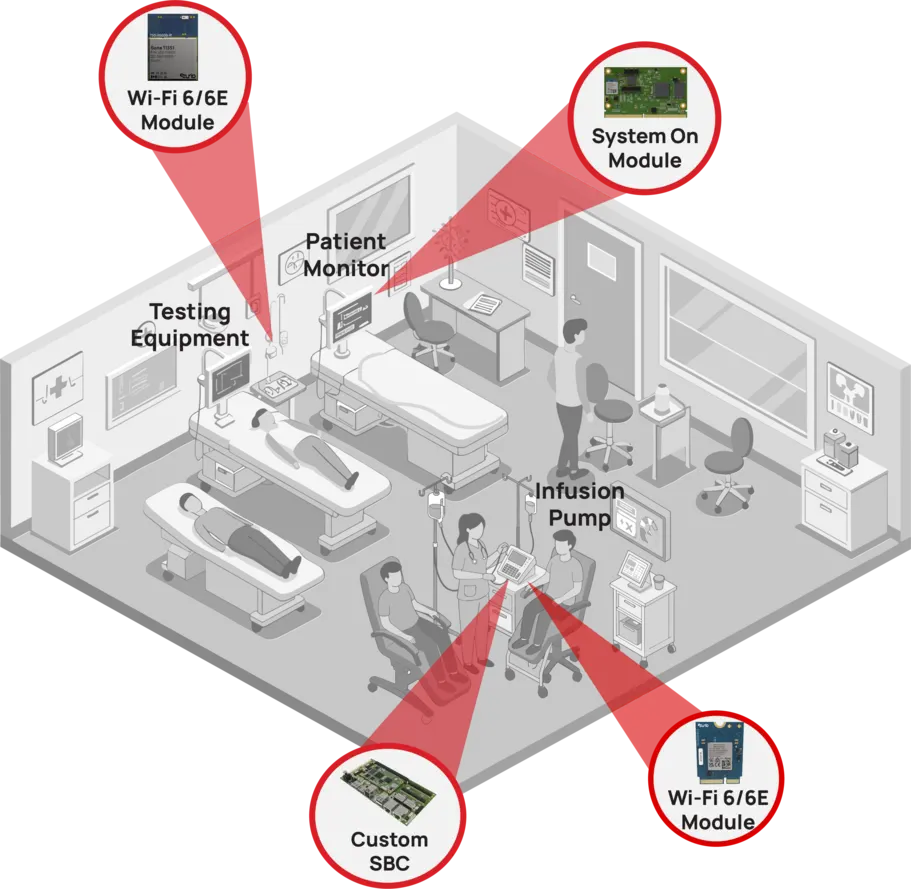
Older medical devices often remain clinically valuable long after their operating systems, software components, and security features have become outdated. Replacing every unsupported infusion pump, imaging workstation, analyzer, or patient monitor immediately is rarely realistic.
The practical objective is not to make an unpatchable device equivalent to a newly designed secure device. It is to reduce the chance that it can be reached, misused, disrupted, or used as a route into other clinical systems—without interfering with its intended clinical use.
Legacy medical device cybersecurity controls should therefore be selected as a coordinated set of compensating measures. Inventory, network controls, access restrictions, monitoring, supplier coordination, and replacement planning all matter. A firewall rule alone is not a legacy-device program.
Start with a usable definition of legacy
A device is not necessarily legacy simply because it is old. In cybersecurity terms, a device becomes legacy when it cannot reasonably be protected against current threats using normal measures such as supported patches, secure configuration, modern authentication, or maintained endpoint protection.
This can include equipment that:
- Runs an unsupported operating system or embedded platform.
- Cannot receive vendor-approved security updates.
- Uses obsolete or weak network protocols.
- Has hard-coded, shared, or weak credentials.
- Cannot support modern encryption, certificate management, or multifactor authentication.
- Cannot run endpoint security software without affecting performance or regulatory validation.
- Has incomplete documentation about software, network ports, dependencies, or support status.
A relatively recent device can still meet this definition if its manufacturer no longer provides practical security support. Conversely, an older device may remain manageable if it has a maintained software version, documented interfaces, and a vendor-supported update path.
The distinction matters because device age is not a useful risk ranking on its own. Clinical criticality, connectivity, exposure, available safeguards, and operational dependency determine the real priority.
Build an inventory that supports decisions
An asset list containing a model number and room location is a starting point, but it is not enough to manage cybersecurity risk. The inventory needs to help clinical engineering, IT, security, procurement, and device owners answer basic operational questions quickly.
For each legacy or potentially legacy device, record the following where available:
| Inventory field | Why it matters |
|---|---|
| Device type, manufacturer, model, and serial number | Identifies affected equipment during vendor advisories and incidents. |
| Clinical owner and department | Ensures security changes are reviewed by people who understand care delivery. |
| Physical location and mobility | Helps account for fixed systems, carts, bedside devices, and devices that move between units. |
| Network identifiers | Includes MAC address, IP address, hostname, wireless details, switch port, and assigned segment. |
| Software, firmware, and operating system version | Supports vulnerability assessment and support-status review. |
| End-of-support or end-of-life status | Identifies where compensating controls and replacement planning are needed. |
| Required communications | Documents approved servers, ports, protocols, cloud services, and vendor destinations. |
| Data handled | Clarifies exposure involving patient information, images, results, or device configuration data. |
| Clinical criticality | Helps prioritize controls and outage planning. |
| Vendor support contact and service method | Supports coordinated incident response and controlled maintenance. |
Do not wait for perfect records before acting. Begin with the devices that are unsupported, connected, clinically critical, externally accessible, or known to communicate broadly across the environment. Improve fields over time as clinical engineering and IT validate the inventory.
Passive network discovery can help identify unmanaged devices and unexpected communications. Active vulnerability scanning requires more care. Some older medical devices may react poorly to scans, probes, or aggressive credential checks. Use vendor guidance, a controlled test environment where possible, and clinical approval before scanning a device class.
Segment by required communication, not by device age
Network segmentation is usually the most effective external control for an unsupported connected device. Its purpose is not merely to place devices in a separate VLAN. It is to limit communication to the small set of systems required for safe operation.
For example, an imaging modality may need to exchange data with designated PACS, RIS, EHR integration, time, domain, and vendor-support systems. It generally does not need unrestricted access to staff workstations, email servers, guest Wi-Fi, building controls, or every other device on the clinical network.
A practical segmentation approach includes:
- Group devices with similar operational needs. Separate imaging systems, laboratory analyzers, bedside devices, building systems, corporate endpoints, guest networks, and servers where their communication requirements differ.
- Use deny-by-default rules between zones. Permit only documented flows that the device needs. Review every broad “any-to-any” rule as a risk item, not as a permanent convenience.
- Control east-west traffic. A compromise often spreads laterally. Limit device-to-device communications unless they are demonstrably required.
- Restrict outbound internet access. Devices should reach only approved external destinations, such as a validated update or remote support service. Do not assume all internet access is needed because a device has an Ethernet port.
- Account for dependencies. Blocking NTP, DNS, DHCP, PACS, middleware, or authentication traffic can create clinical disruption. Establish expected flows before enforcement.
- Test changes with clinical users. Confirm that alarms, data transmission, printing, remote viewing, scheduled workflows, and recovery procedures still work.
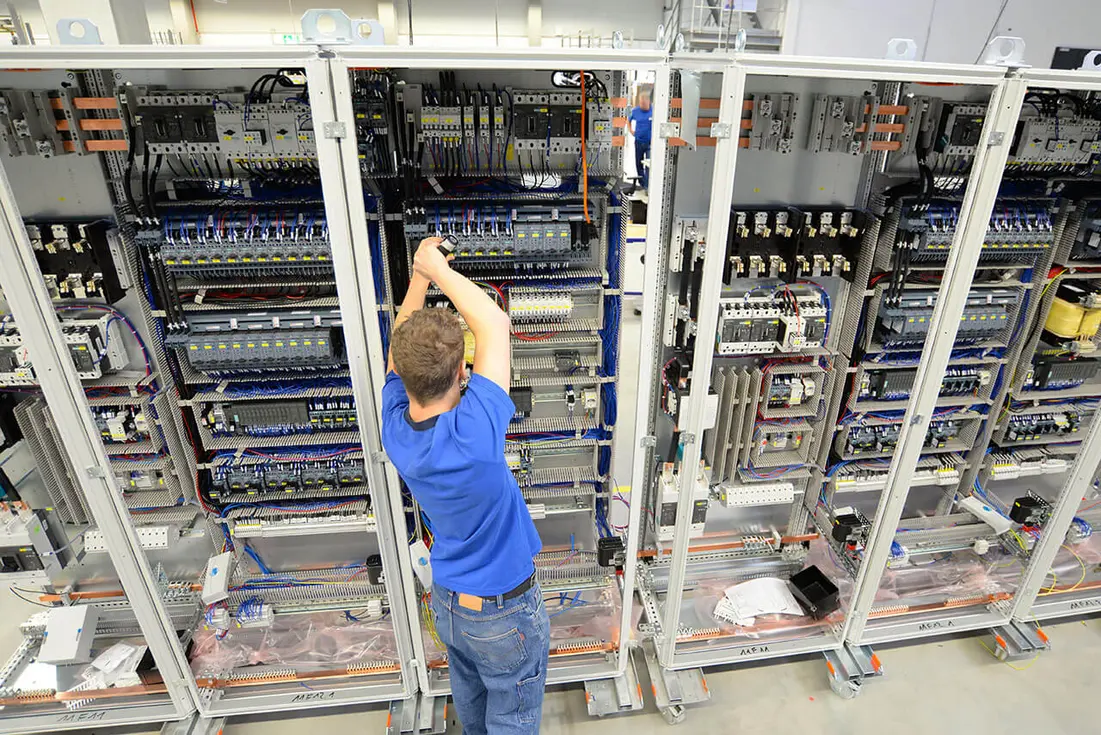
Segmentation should be documented in a simple policy matrix. For each device group, state the source zone, permitted destination, protocol and port, business or clinical purpose, system owner, and review date. This creates an auditable record and makes troubleshooting faster.
Some legacy equipment cannot support certificate-based network authentication or modern network access control. In those cases, use a combination of switch-port controls, device profiling, dedicated segments, physical port security, and tightly scoped firewall policy. These alternatives are not as strong as modern device identity, but they can significantly reduce exposure.
Restrict local, administrative, and vendor access
Weak access controls are common in legacy fleets. Shared service accounts, default credentials, unrestricted USB ports, and always-on remote access create avoidable paths to misuse.
Begin by identifying every way a person or system can administer the device:
- Local console or touchscreen access.
- Service laptop connection.
- Web interface.
- Remote desktop or remote-control software.
- Vendor VPN connection.
- File share, USB media, or optical media.
- Network management service such as SSH, Telnet, SNMP, or proprietary tools.
Then apply controls that the device and workflow can support.
Improve credentials where feasible
Change vendor defaults, remove unnecessary accounts, and use unique service credentials when the device allows it. Store emergency or break-glass credentials in a controlled process rather than on paper attached to the equipment.
If the device only supports shared credentials, limit who can obtain them, record access, rotate them after staff or vendor changes, and protect administrative access through network controls and physical restrictions. A shared password is not ideal, but it should not automatically mean unrestricted access from any workstation.
Limit physical access
Physical controls are particularly important for equipment that cannot enforce robust authentication. Place fixed devices in controlled areas where possible. Lock cabinets containing network ports or service interfaces. Define who may attach service media or connect a laptop. For mobile devices, include inspection and return-to-service checks after external maintenance.
Broker remote support
Avoid permanent vendor remote connections directly to a device network. Instead, route remote support through an organization-controlled access path, such as a monitored jump host or secure remote-access gateway.
A workable remote-support process should require:
- A documented support request or maintenance ticket.
- Approval by the device owner or designated clinical engineering contact.
- Time-limited access rather than persistent access.
- Multifactor authentication for the remote user where the access platform supports it.
- Access only to the approved device or management system.
- Session logging and, where appropriate, recording.
- A clear method to terminate access quickly during an incident.
The vendor may need a local clinician or biomedical technician available during some maintenance sessions. That requirement can be useful: it ensures that remote changes are assessed against clinical status and local safety procedures.
Monitor around the device when the device cannot report
Many unsupported devices cannot run endpoint detection software, forward detailed logs, or reliably report their own configuration. Monitoring therefore often has to occur at the network and infrastructure layers.
Useful monitoring signals include:
- New or unknown devices appearing in a medical-device segment.
- Changes in MAC address, switch port, IP address, or device location.
- Connections from a device to an unapproved external address.
- New listening services or unusual protocols.
- Repeated failed logins to management interfaces.
- Unexpected large data transfers.
- Traffic between device zones that is normally blocked.
- Communications outside expected operating hours, where this is clinically meaningful.
- Firewall rule hits indicating attempted access to prohibited services.
Baseline expected behavior before treating every unusual connection as malicious. Legacy devices may have poorly documented dependencies, scheduled tasks, multicast traffic, or maintenance patterns. Passive monitoring during normal operation is useful for learning those patterns before tightening rules.
Monitoring also needs an operational owner. Security teams may detect an anomaly, but clinical engineering and the relevant department may be the only teams able to determine whether a connection is expected or whether taking a device offline is safe.
Use vulnerability management as a clinical risk process
A disclosed vulnerability does not automatically require immediate removal of every affected device. Nor should it be dismissed because a patch is unavailable. The response should assess the vulnerability in the actual deployed environment.
For each relevant advisory, document:
- Affected asset identification. Which exact models, versions, and configurations are present?
- Exposure. Is the vulnerable service enabled? Is it reachable from another segment, a vendor network, or the internet?
- Exploit conditions. Does exploitation require local access, credentials, a particular protocol, or user action?
- Potential impact. Consider confidentiality, integrity, availability, clinical workflow disruption, and patient safety.
- Available vendor action. Is a patch, configuration change, workaround, or service bulletin available?
- Compensating control. For example, block the vulnerable port, disable an unused service, restrict local access, or tighten remote support.
- Residual risk and decision owner. Record who accepted continued use and what conditions trigger reassessment.
Do not apply enterprise IT patches directly to a medical device unless the manufacturer has approved the action and the organization has completed its own required change control. An unsupported operating system may be vulnerable, but an unvalidated update can also impair device function.
A device-specific software bill of materials can speed assessment, but older devices may lack one. Request available component, operating-system, and third-party software information from the manufacturer. Where that information cannot be obtained, treat the uncertainty itself as a planning factor and rely more heavily on exposure reduction.
Plan for incidents before one occurs
A legacy-device incident plan should answer a difficult question: who can decide to isolate or shut down the device, and what happens to patient care if that decision is made?
Define in advance:
- The clinical owner, clinical engineering contact, IT contact, security incident lead, and vendor escalation route.
- Criteria for disconnecting a device from the network versus removing it from service.
- Safe fallback workflows, spare equipment, and patient transfer procedures.
- How to preserve relevant logs and device configuration information.
- How the device will be inspected and returned to service.
- How affected clinical departments will be notified.
Run tabletop exercises for high-criticality device groups. The goal is not to simulate every technical detail. It is to reveal gaps in authority, contact information, alternative workflows, and vendor coordination.
Treat compensating controls as temporary risk reduction
Compensating controls can materially reduce risk, but they do not erase the underlying limitations of an unsupported device. A firewall cannot correct insecure code. A jump host cannot make an obsolete operating system support modern cryptography. Controls can also fail through configuration drift, emergency exceptions, network redesign, or undocumented device moves.
For that reason, every legacy device should have a lifecycle decision: continue with controls, remediate through a vendor-supported upgrade, remove network connectivity where clinically feasible, replace, or retire.
A practical lifecycle plan includes the estimated replacement horizon, capital owner, dependency mapping, migration needs, support-status milestones, and triggers that may accelerate retirement. Triggers might include loss of vendor service, inability to operate on a segmented network, a high-impact vulnerability without a workable mitigation, repeated security incidents, or failure to meet a clinical integration requirement.
Procurement should use these lessons for future purchases. Ask manufacturers for a support-period commitment, vulnerability disclosure process, update mechanism, remote-support architecture, network communication requirements, software component information, and end-of-support notification process. Cybersecurity evidence is more useful when it supports ongoing operations, not only a purchase-time assessment.
A practical order of work
Organizations with a large unmanaged legacy fleet should avoid trying to solve every gap at once. Start with the highest-value actions:
- Identify connected unsupported devices and assign clinical owners.
- Confirm their network locations and current communications.
- Remove unnecessary internet exposure and broad network access.
- Segment high-risk and high-criticality groups with tested allow rules.
- Control vendor remote access through an approved, logged path.
- Establish a vulnerability review workflow involving clinical engineering, IT, security, and manufacturers.
- Create incident isolation and downtime procedures for critical device classes.
- Build replacement and remediation plans for devices whose residual risk remains unacceptable.
Legacy medical device cybersecurity is a shared operational responsibility. Manufacturers can provide support information, patches, mitigations, and service guidance. Healthcare delivery organizations control the clinical environment, network exposure, user access, and retirement decisions. The most effective controls are the ones that are understood by both sides, validated against clinical use, monitored over time, and linked to a realistic endpoint for unsupported technology.